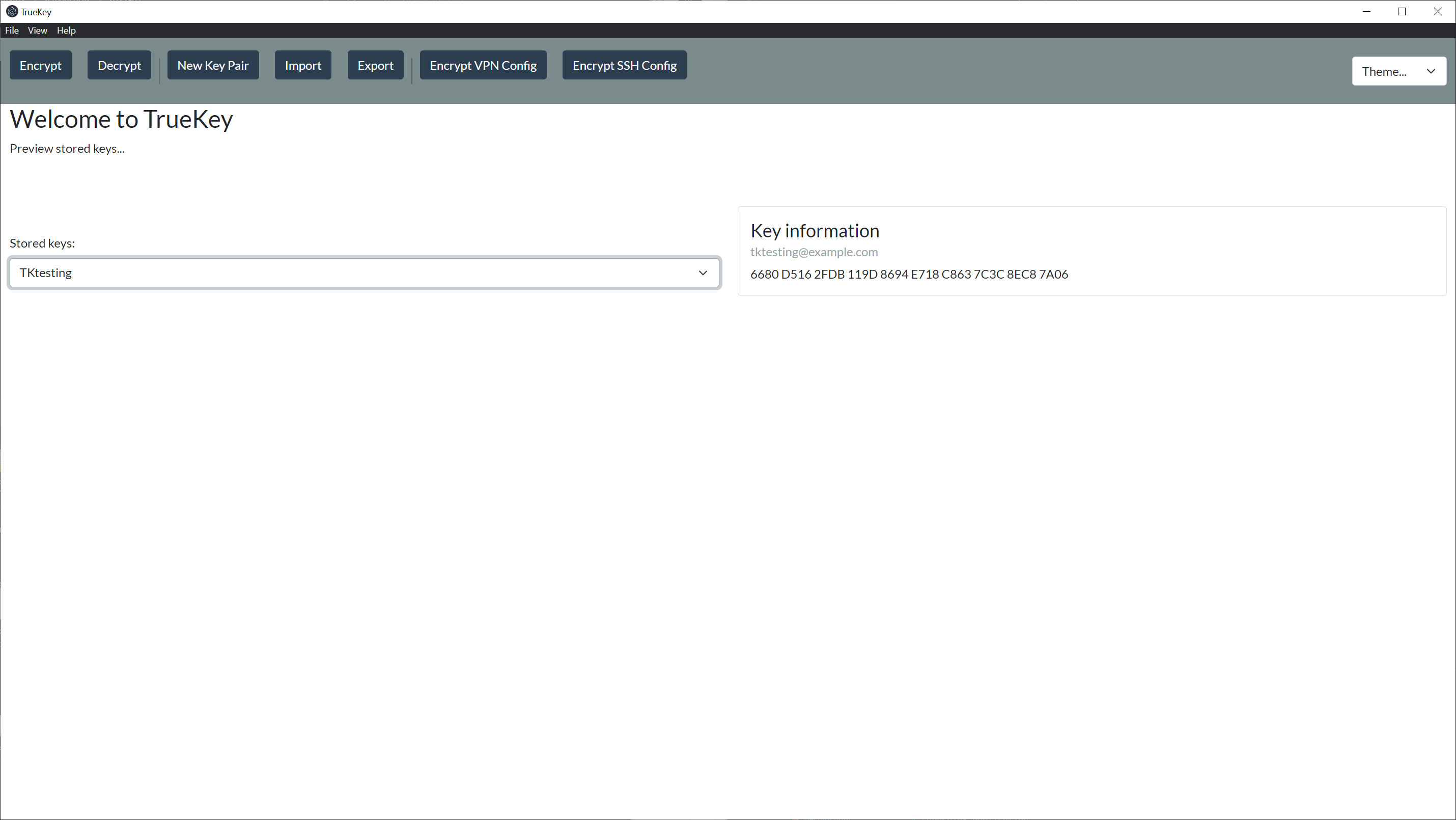
Dashboard
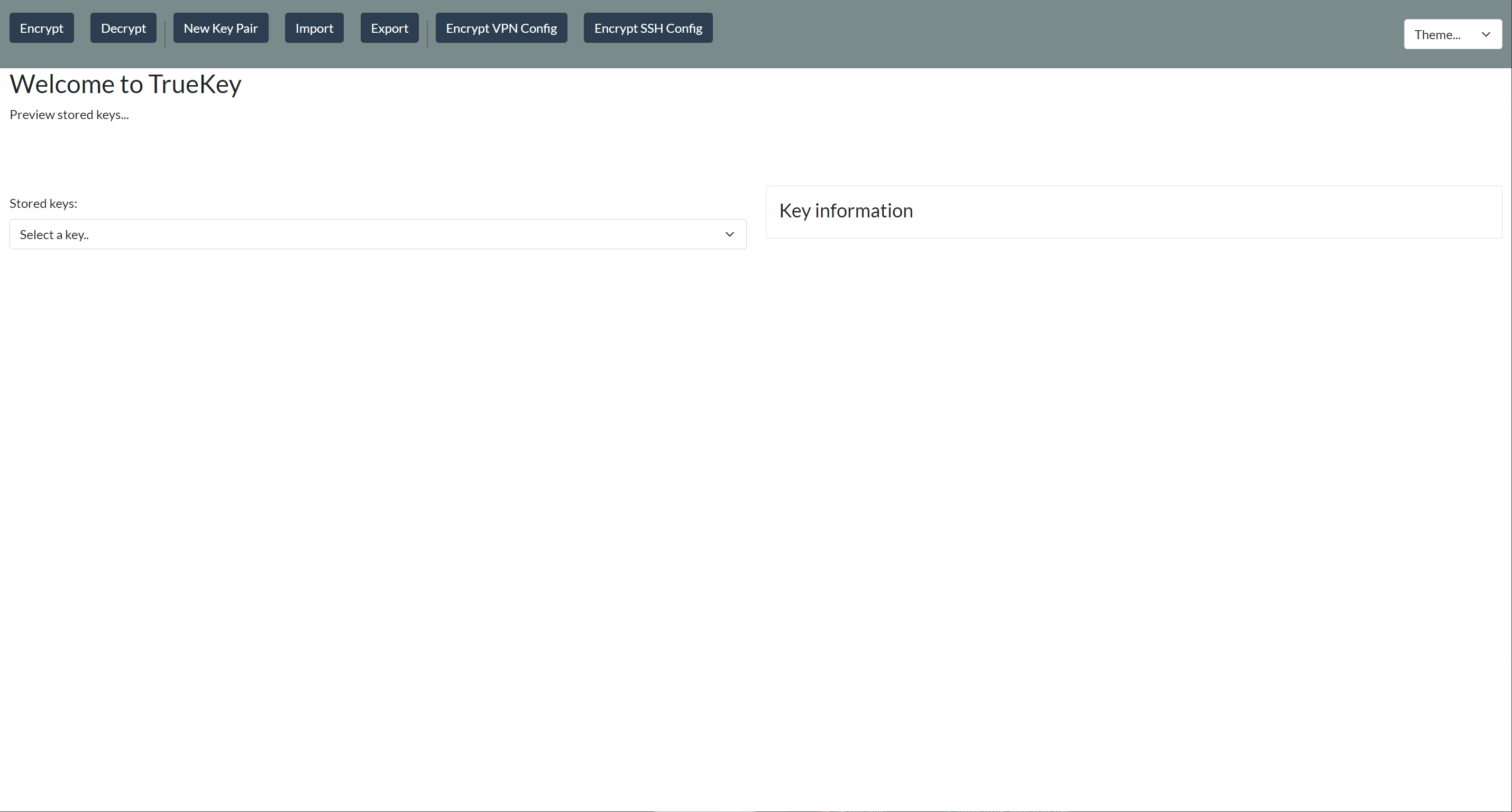
# Tool Bar
RTS Encryption Manager has a small and simple tool bar. There are three catagories being File, View, & Help.
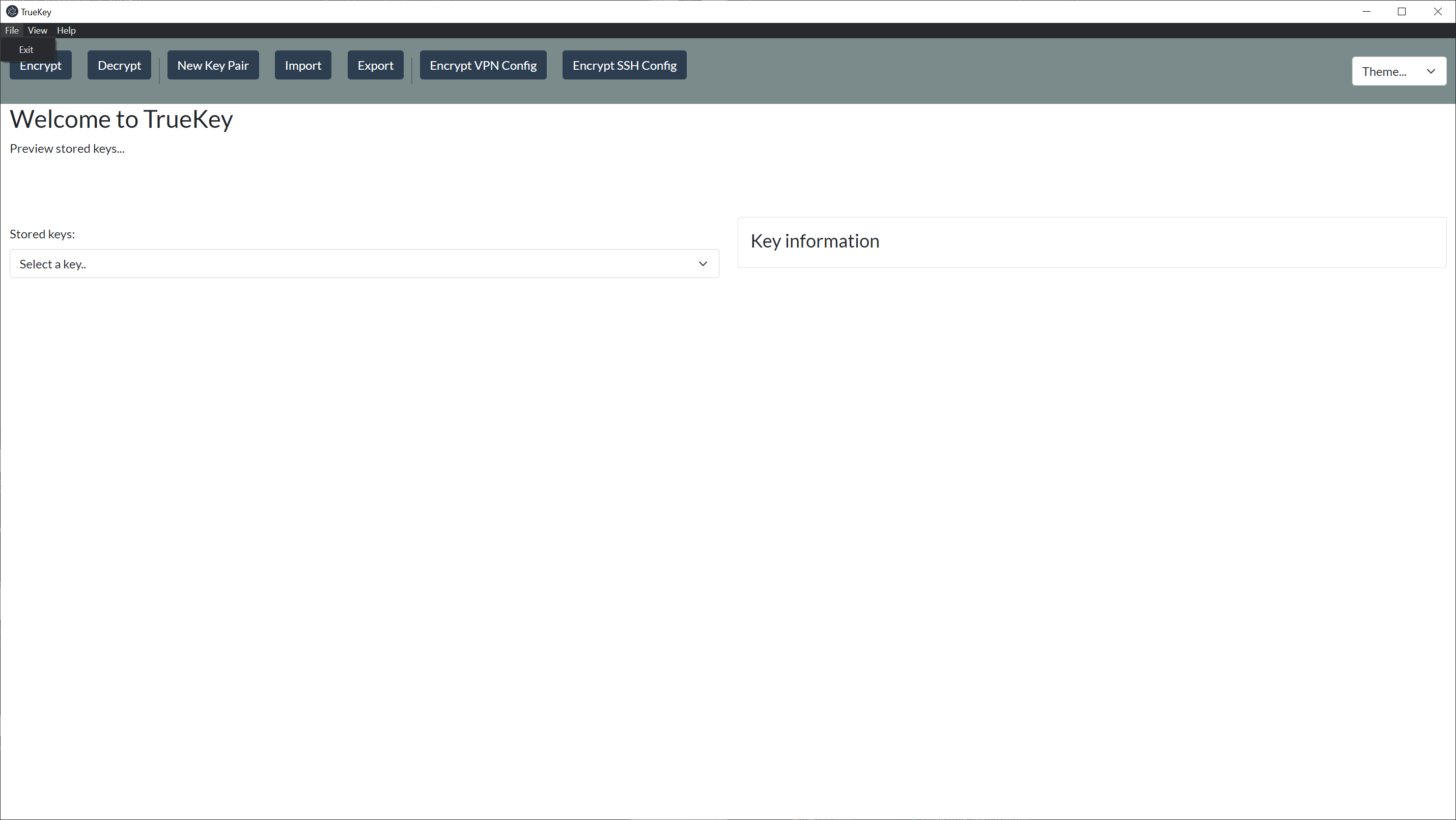
# File
File gives you an alternative way of exiting the application.
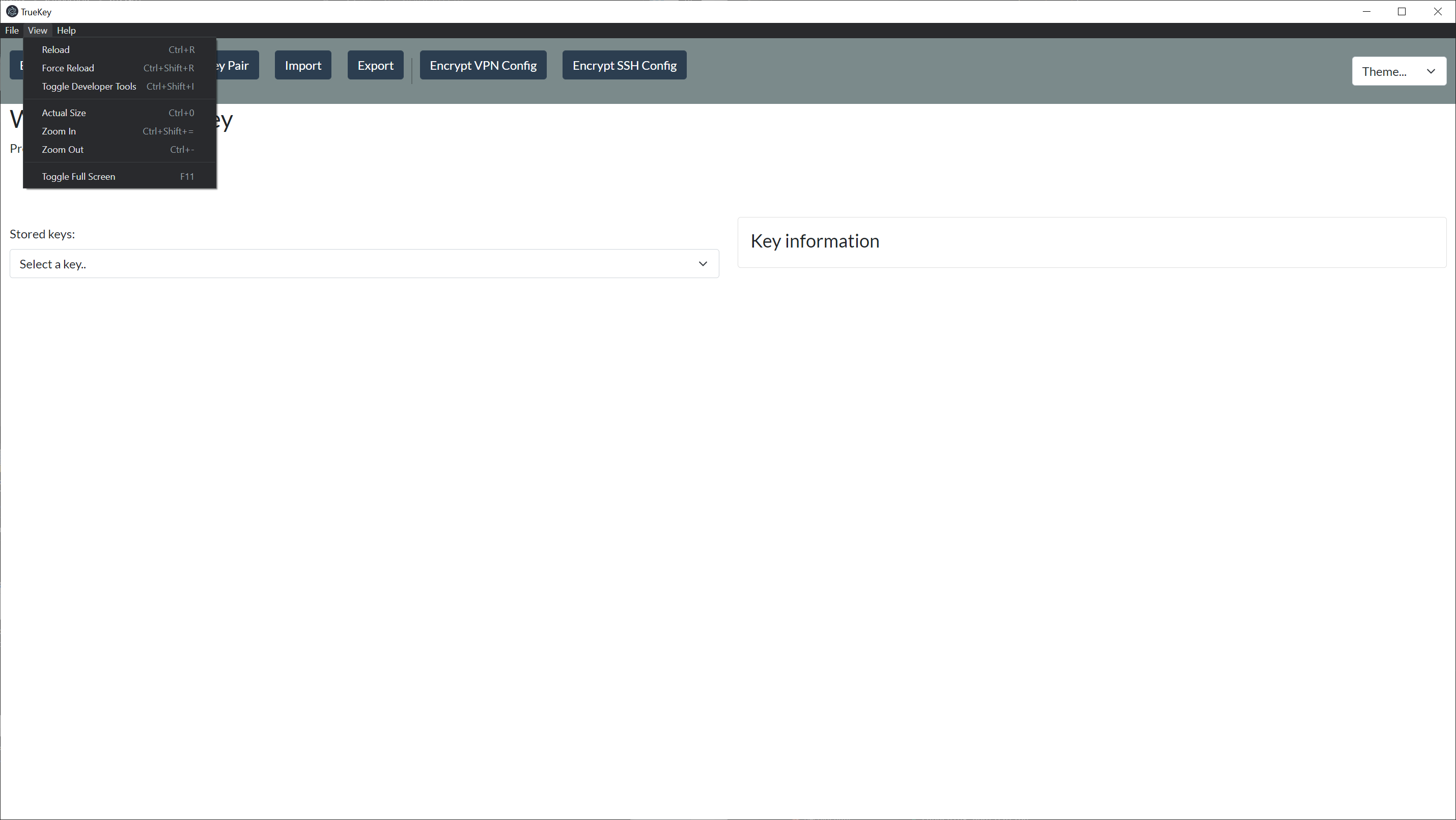
# View
View give you the following options:
- Reload
- refreshes the page
- Force Reload
- forces a page to refresh if the application is locked and standard reload does not work
- Screen Adjustments
- Actual Size (default window size)
- Zoom In
- Zoom Out
- Toggle Full Screen
# Help
Help give you a few options:
- About
- provides you with the version and copyright information for RTS Encryption Manager
- Website
- Directs you straight to the TechSlayers website (opens new window)
- Source Code
- Directs you straight to the GitHub Repository (opens new window)
- Open an Issue on GitHub
- This will generate a github issue with basic debug info for you to fill out & submit your issue to the dev team
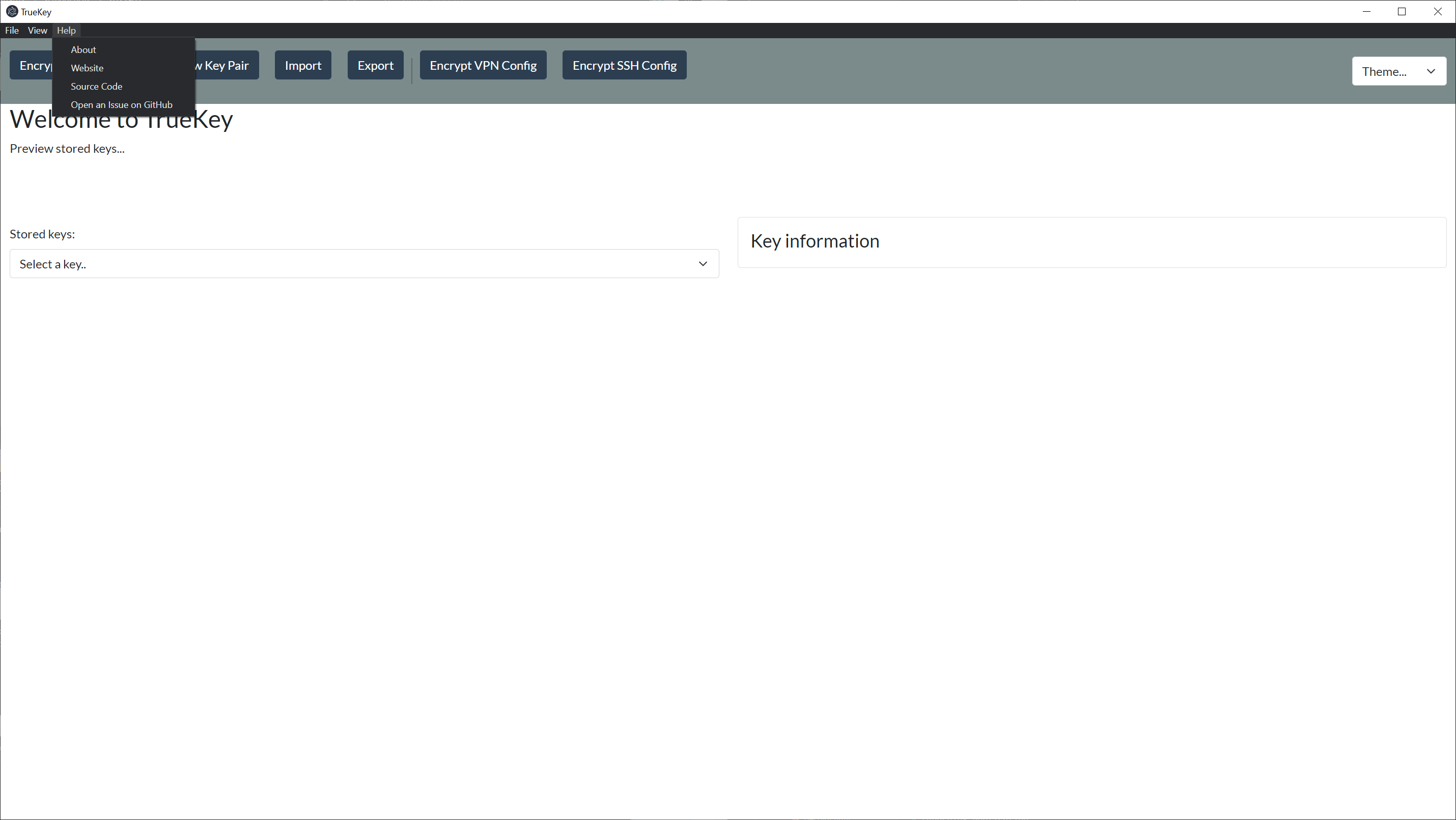
# Main Dashboard
The main dashboard give you access to the various features of RTS Encryption Manager such as Encryption, Decryption, Generating New Key Pairs, Importing, & Exporting as well as allows you to view what keys are currently stored within the manager.
There are also two Portal specific features Encrypt VPN Config & Encrypt SSH Config. These features require an API key, provided by the Portal, to access.