Importing
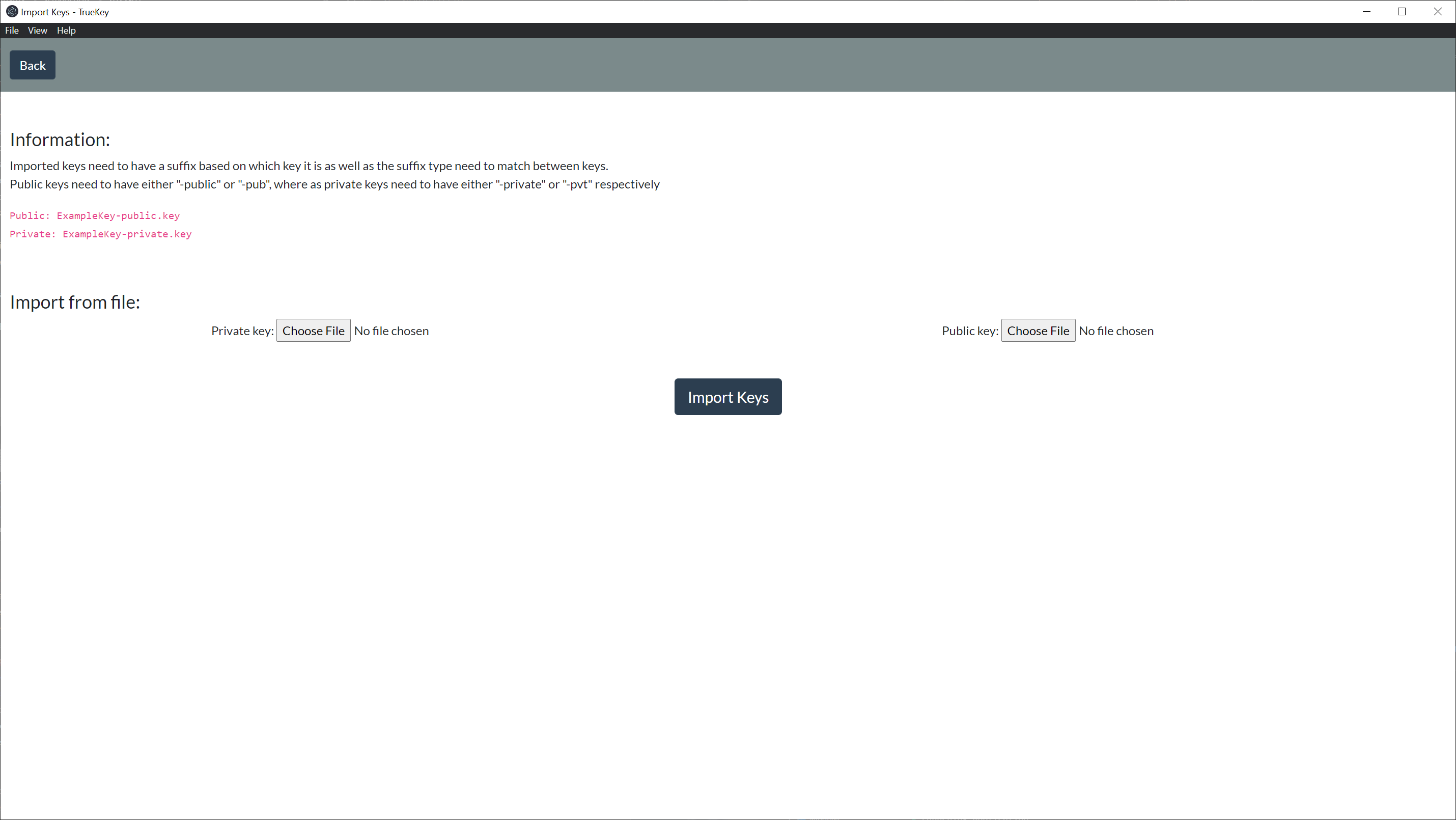
# Before Importing
Before importing the selected keys there is some additional requirements that need to be satisfied. The specific key pair file names need to be the same as well as the public key must have a suffix of "-public" or "-pub", where as the private key needs to have either "-private" or "-pvt".
Example:
Public Key: ExampleKeyName-public.key
Private Key: ExampleKeyName-private.key
# Import Key
To import a key pair you click the Private Key Choose File and find the Private Key you want to import as well as click the Public Key Choose File and find the associated Public Key you want to import. Then proceed by clicking Import Keys and you will get a notification upon successful import.
The selected keys to be imported have to be a pair in order for the import to complete.