Encrypt VPN Config
# Gaining Access
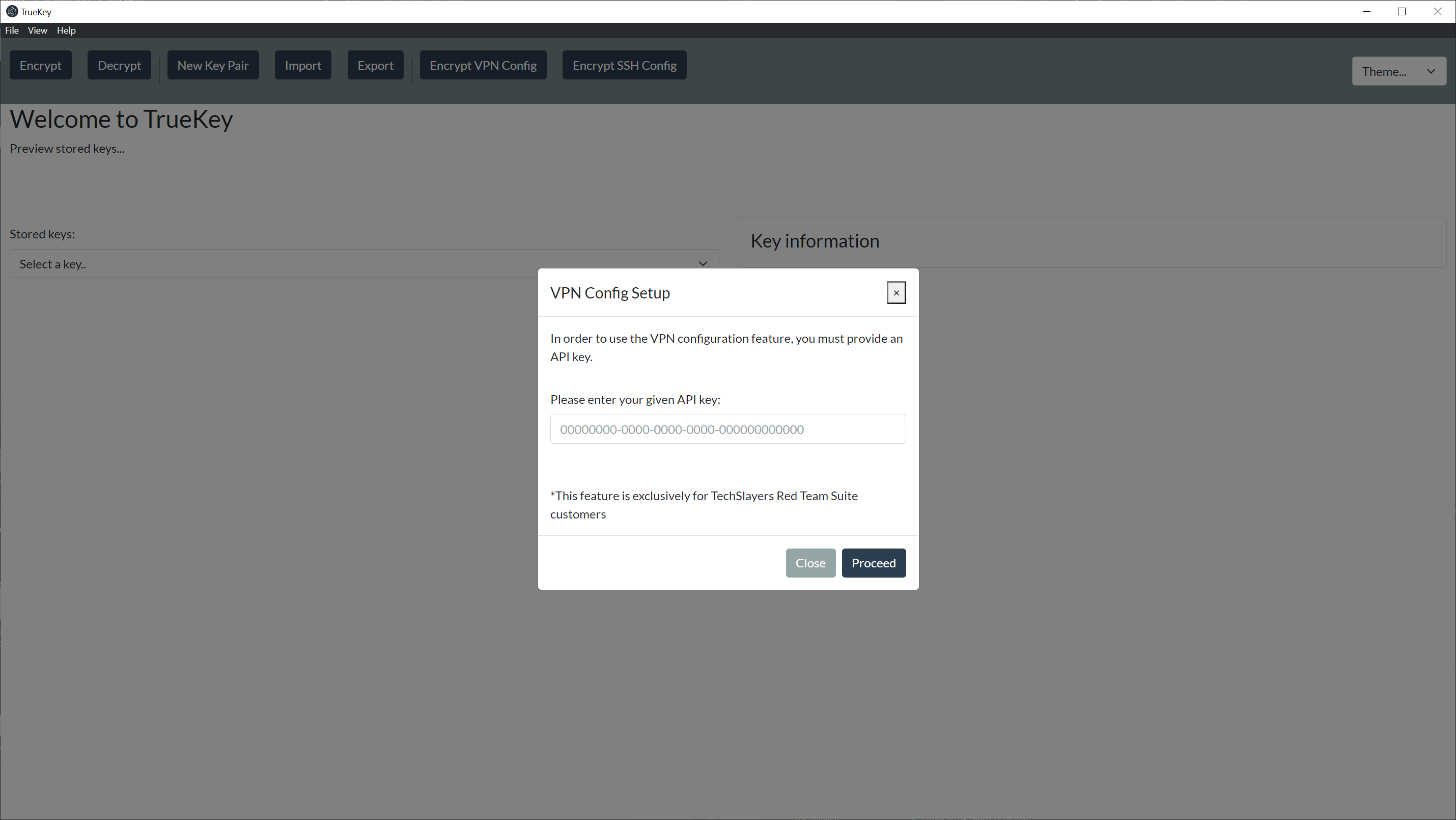
Upon selecting the VPN Config button, you will be greeted with a modal that asks for your API key. You can retrieve your API key from the RTS Portal.
Your RTS Portal account will have to be subscribed to Internal Scanning in order for your key to give you access to this functionality.
# VPN Config
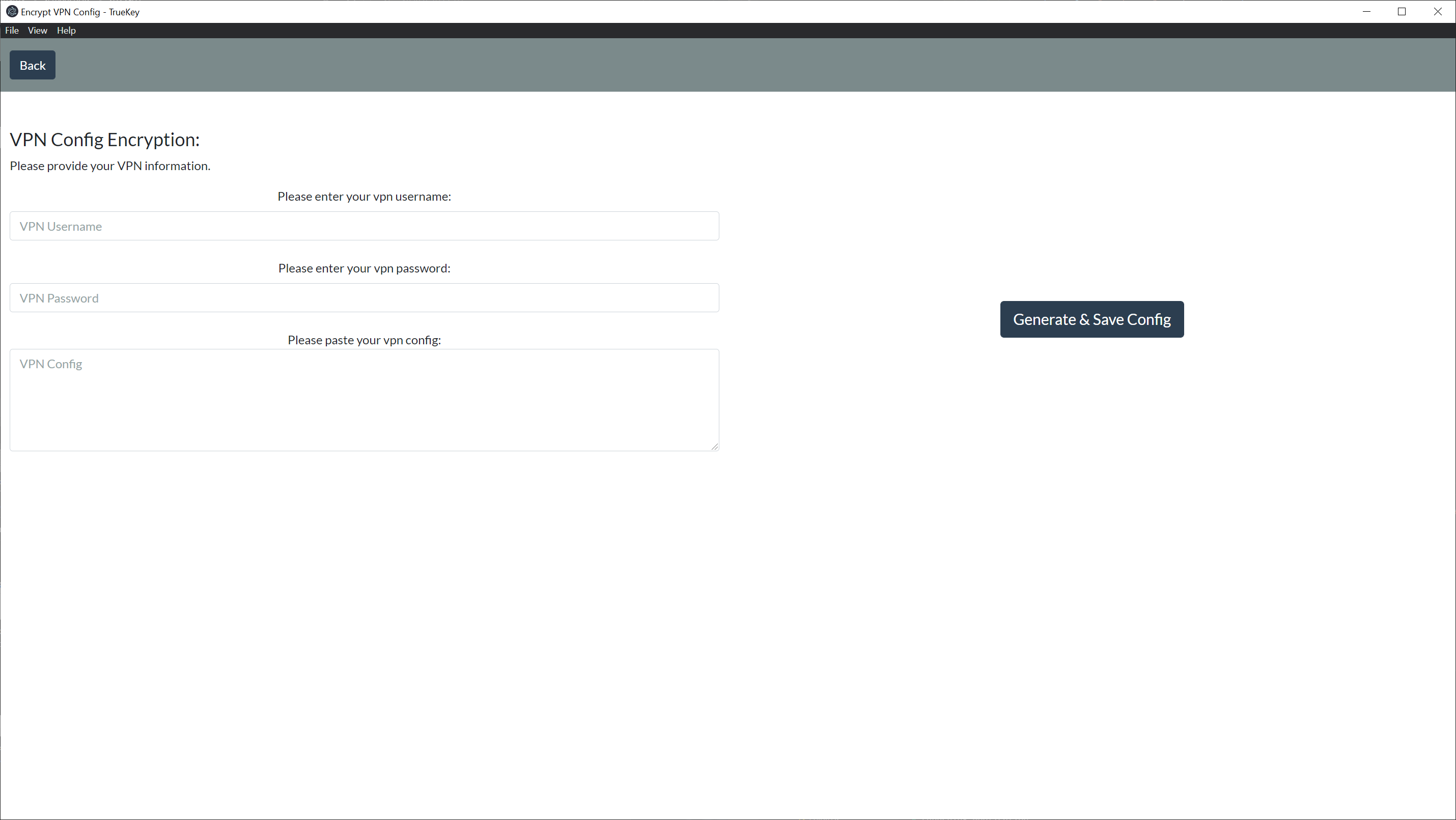
Once you have gained access, you will be prompted to fill out the form.
You will need to provide your VPN Username, VPN Password, & Paste your VPN config in the VPN Config Text box
# Generate & Save Config
Click on Generate & Save Config and you will be prompted with where to save the file.