Decrypting
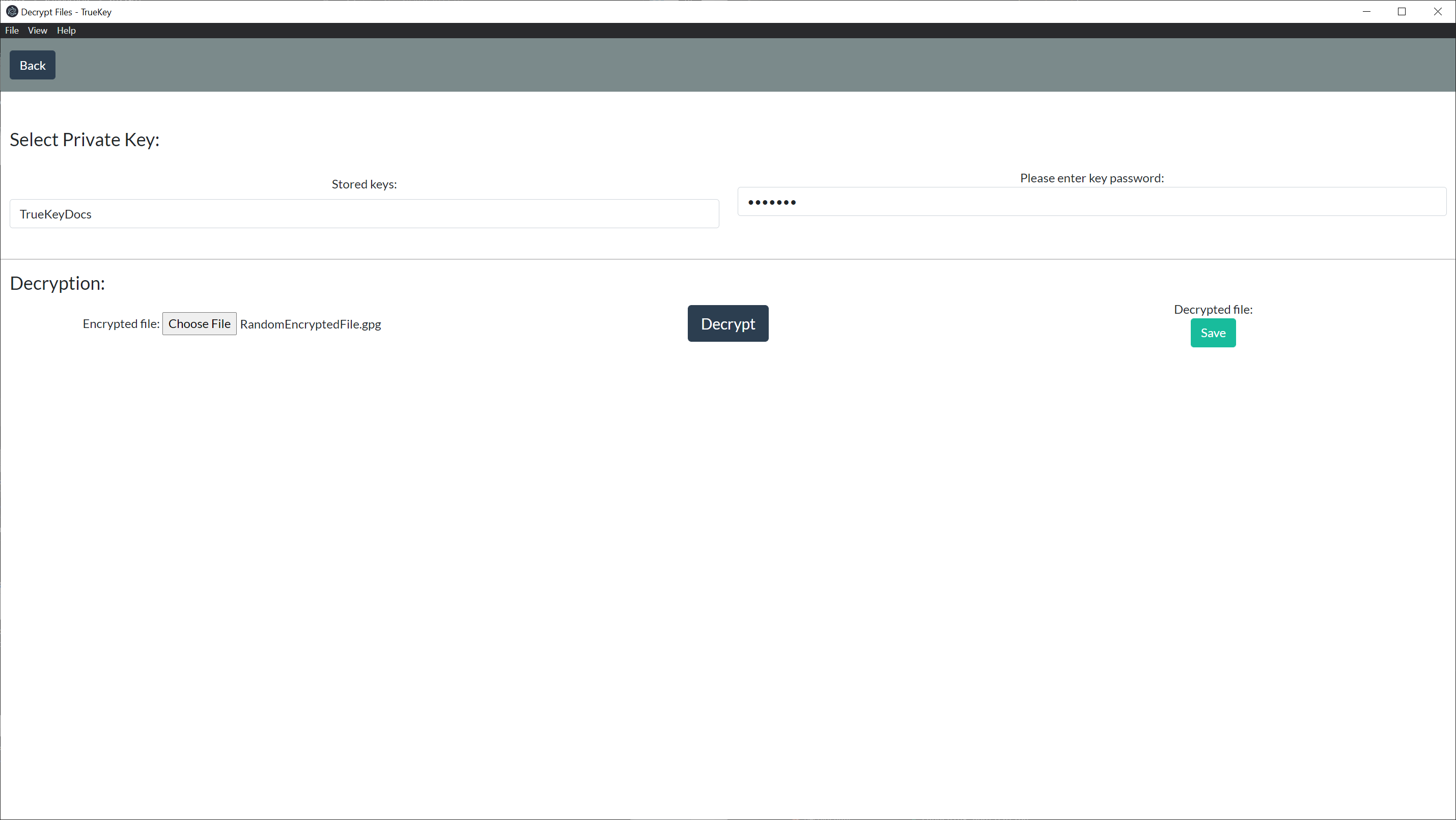
# Select a Private Key
Select a key from the stored keys.
# Type the Associated Password
Type in the password used to generate the selected key.
# Select a File to Decrypt
Click on Choose File and select a file you would like to decrypt.
# Decrypting File
Click the Decrypt button and the file will decrypt.
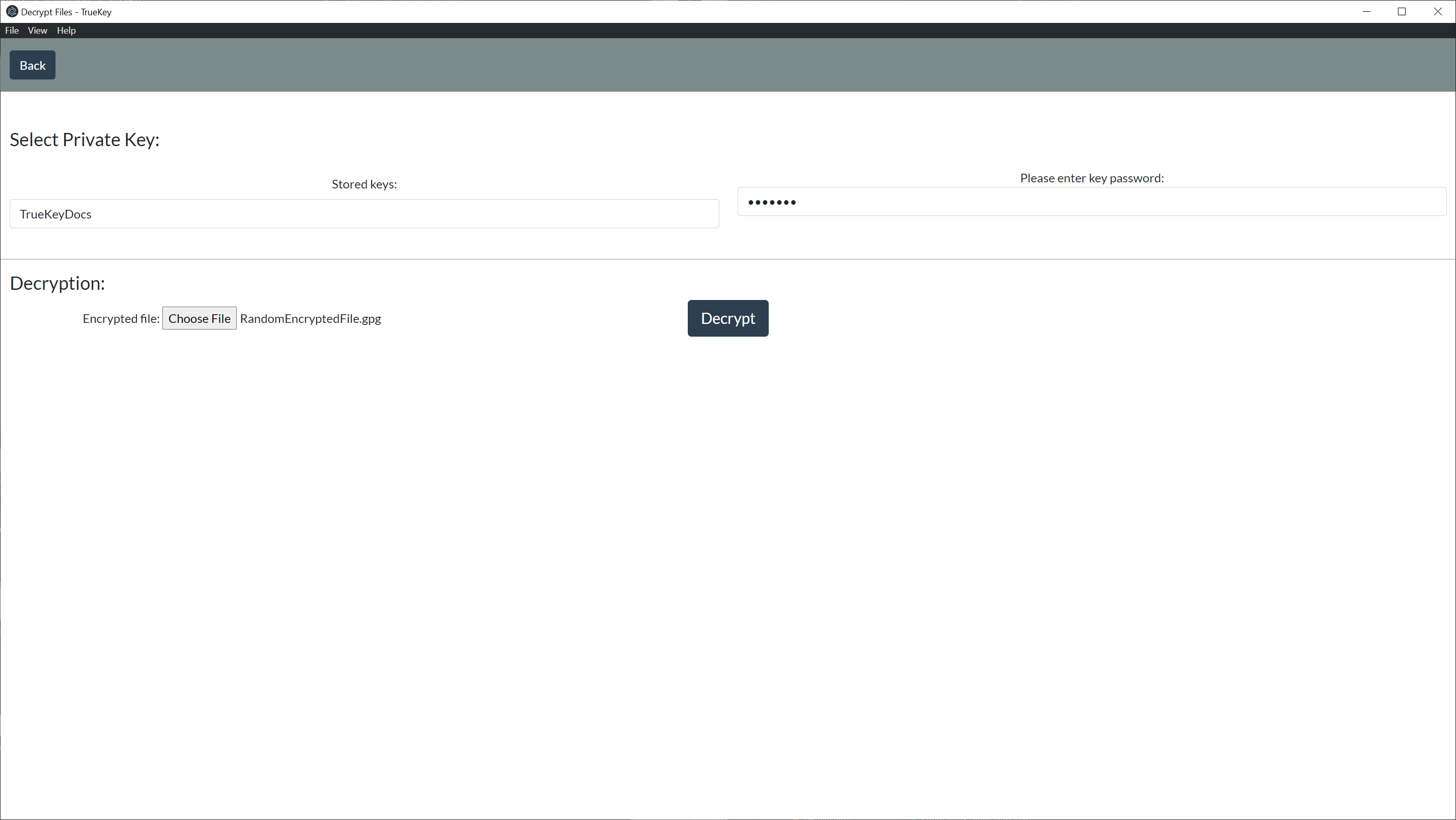
Note: Depending on the size of file selected the decryption process can either be quick or take some time.
Once the decryption process is done you will get an alert letting you know and reminding you to save the decrypted file

# Saving the Decrypted File
After the decryption process succeeds you will be prompted with an option to save the file.